
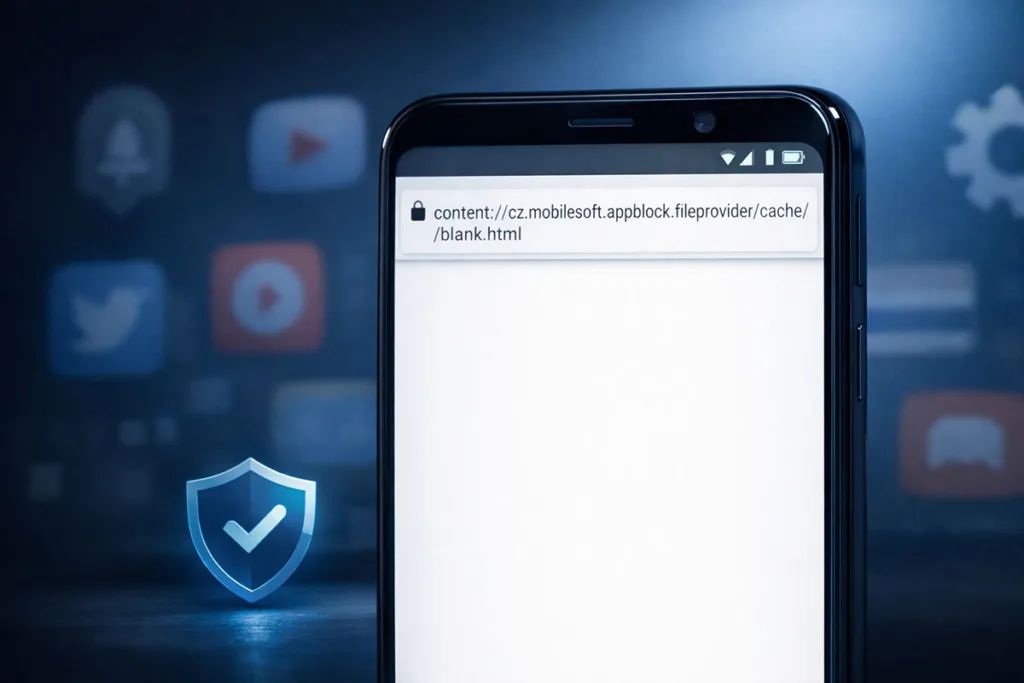

Seeing a strange link like content://cz.mobilesoft.appblock.fileprovider/cache/blank.html can feel alarming at first. It looks technical. Even suspicious. But it’s usually harmless.
This URI comes from AppBlock, an Android app that blocks distracting apps and websites. When something is blocked, the app redirects you to a local blank.html file stored in the cache directory. That file is accessed through a content URI, not a normal web link.
It’s not a virus. It’s not hacking. It’s part of Android’s FileProvider system, which uses secure file sharing and permission-controlled URI access.
If you see it, it simply means a block rule is active and working as intended.
What Is content://cz.mobilesoft.appblock.fileprovider/cache/blank.html
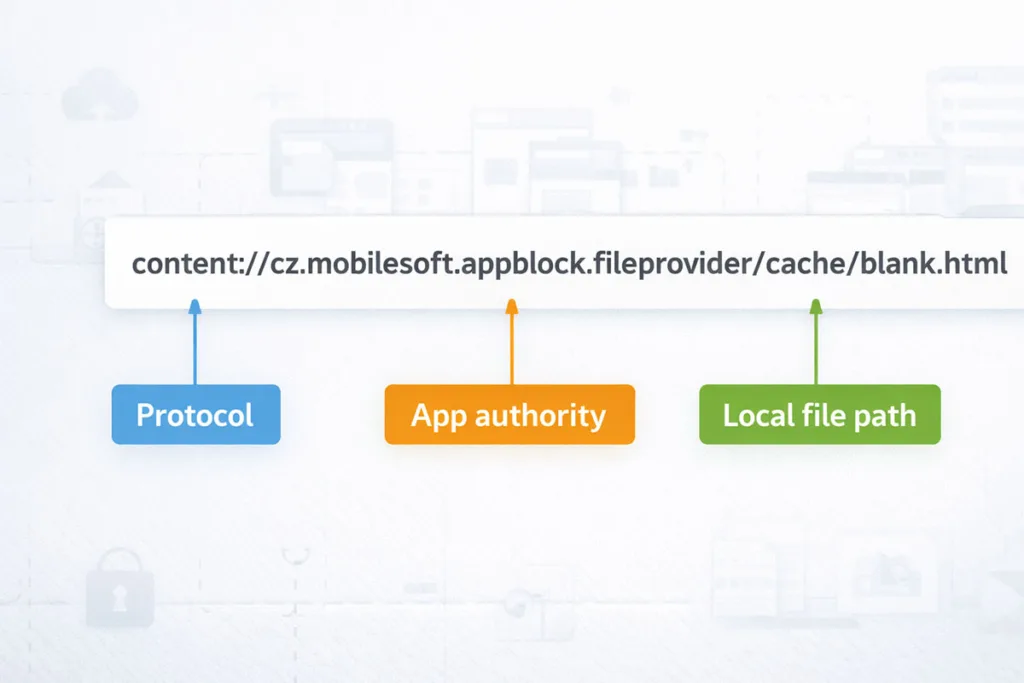
This label is not a regular website address. It is an internal Android reference that points to a local file created by AppBlock. Understanding each part makes the string far less confusing and helps you see why it appears during blocking. That distinction matters for troubleshooting and privacy.
Meaning Of The Content URI
A content URI is a secure way for apps to expose a resource without revealing a raw file path. Instead of opening a public URL, Android uses a controlled handle managed through FileProvider and related permissions.
Breaking Down The String
- content:// tells the system this is a content-based resource.
- cz.mobilesoft.appblock.fileprovider is the authority linked to AppBlock.
- /cache/blank.html points to a temporary file in the app’s cache directory.
Content URI Vs File Path Vs URL
A URL loads something from the web. A raw file path points directly to internal storage. A content URI sits in the middle. It acts like a secure proxy, giving controlled access to a local placeholder page without exposing the real storage location.
Why Does AppBlock Show blank.html
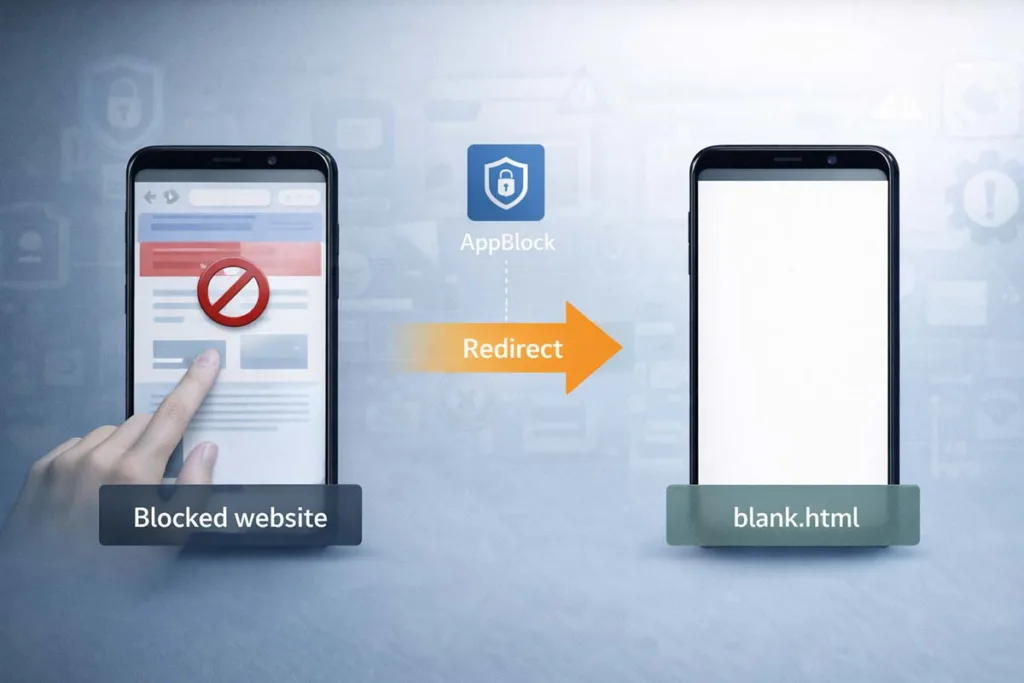
This behavior often confuses users because nothing “breaks,” yet the expected page never loads. In reality, AppBlock is doing its job quietly. It replaces restricted content with a controlled, empty view so your focus remains intact.
How Appblock Blocks Apps And Websites
AppBlock works as a website blocker and app blocker on Android. It uses defined block rules, schedules, or focus mode to stop access to selected content.
When a blocked app or site is opened:
- The request is detected by the app
- Access is restricted instantly
- A replacement resource is triggered
This ensures no distracting content appears, even briefly.
Redirect Mechanism (Browser / Webview Interception)
Instead of showing an error, AppBlock uses a redirect. It intercepts the original request inside a WebView or browser and sends it to a local content URI.
This process is smooth. No crash. No warning screen. Just a silent interception.
Why A Blank HTML Placeholder Is Used
The app loads a simple blank.html file as a placeholder page. It’s lightweight and stored in the cache directory, so it opens instantly.
For example, if you try opening a blocked social site, you won’t see an error. You’ll see a blank screen instead.
That blank screen is intentional. It confirms the blocked content was successfully replaced using a fast local resource.
Is content://cz.mobilesoft.appblock.fileprovider/cache/blank.html Safe or a Virus?
That long string can look intimidating. Many users assume the worst when they first see it. The good news is simple: in most cases, this is completely safe and expected behavior on Android.
Is It Malware or a Security Threat?
No, it is not malware. This URI is generated by AppBlock, a legitimate productivity app. It uses FileProvider to deliver a local file through a permission-controlled URI, not an external or suspicious source.
There is no hidden download. No background attack. Just a controlled redirect to a safe, empty page.
Why It Looks Suspicious
It looks unusual because it is not a normal web link. Terms like content URI, fileprovider, and cache can feel technical.
Most users are familiar with URLs, not internal Android framework structures. That difference creates confusion.
When You Should Be Cautious
Although it is safe, a quick check is still smart:
- Appears without using AppBlock
- Shows up repeatedly without active block rules
- Comes from an unknown app, not MobileSoft
In such rare cases, review your installed apps and permissions.
When You See This URI
This URI does not appear randomly. It shows up in specific situations when AppBlock is actively controlling access on your Android device. Knowing these moments helps you understand that nothing is broken. It simply reflects how the app manages blocked content.
In Browser Address Bar
You may notice the content URI in your browser instead of a normal website link. This happens when a blocked site is opened. The browser receives a redirect to a local placeholder page instead of loading the actual content.
In Chrome History
Sometimes, this URI appears in browser history. That can feel strange at first.
But it simply means:
- The original page request was intercepted
- The local resource replaced it
- The system logged the final loaded page
While Opening Blocked Apps
When launching a restricted app, you may briefly see a blank screen. That screen is linked to the cached blank.html file stored in the cache directory.
During Focus Mode or Schedules
If focus mode or scheduled blocking is active, this behavior becomes more frequent. Every blocked attempt triggers the same interception, ensuring consistent control over distractions.
When It Might Be a Problem
This behavior is usually normal. But there are a few situations where it may signal something off. These cases are rare, yet worth checking if the content URI appears unexpectedly or too often on your Android device.
Appearing Without Active Blocking
If you see this URI without enabling AppBlock or any block rules, something may be misconfigured. It could point to leftover settings or another app using a similar FileProvider structure.
Misconfigured Rules or Overblocking
Sometimes, strict focus mode or aggressive schedules block more than intended. This can cause repeated redirect actions, even for apps or sites you didn’t plan to restrict.
Corrupted Cache or App Glitch
A damaged cache directory can trigger unusual behavior. The blank.html file may load incorrectly, or appear more frequently than expected.
Quick Diagnostic Checklist
- Check AppBlock settings and active schedules
- Clear app cache from internal storage
- Update the app to fix potential bugs
How to Fix content://cz.mobilesoft.appblock.fileprovider/cache/blank.html
If this URI keeps showing up and disrupting your flow, you don’t need complex fixes. Most issues come from settings inside AppBlock or simple cache problems on Android. Start with the easiest steps first. Move to deeper fixes only if needed.
Step 1: Check AppBlock Settings
Open AppBlock and review your block rules. Look at blocked apps, websites, and active focus mode schedules.
- Remove items you don’t want restricted
- Adjust time-based rules
- Check whitelist settings
Sometimes, overblocking is the real cause.
Step 2: Pause or Disable Blocking
Temporarily turn off AppBlock. Then try opening the same app or site again.
If the issue disappears, the redirect is working as designed. You can fine-tune your settings instead of removing the app completely.
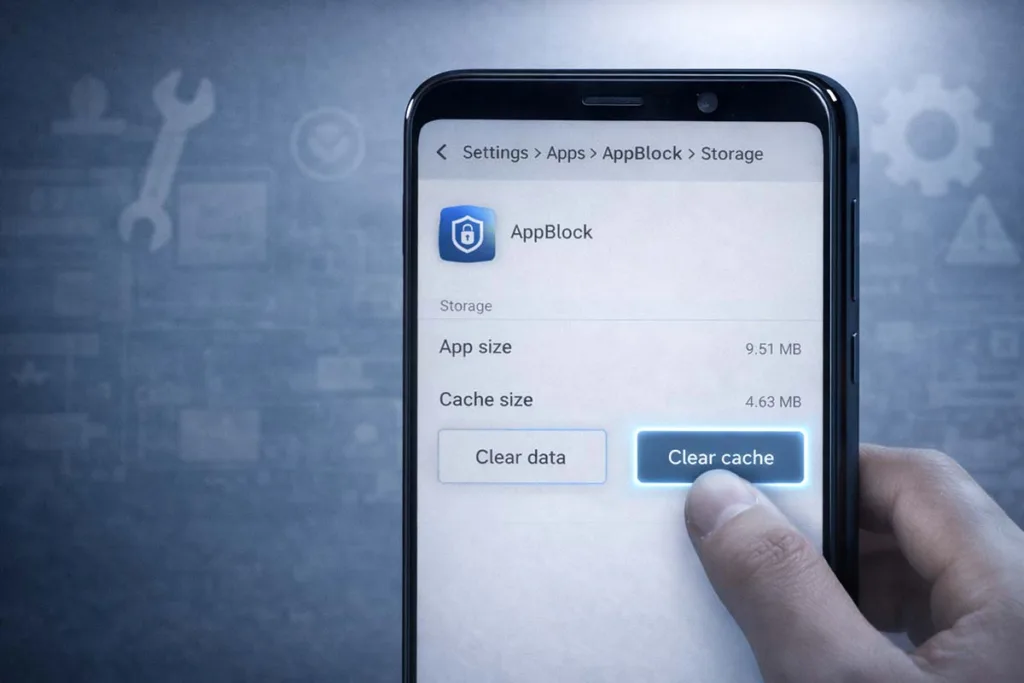
Step 3: Clear Cache
A cluttered cache directory can cause repeated blank.html loading.
Go to:
- Settings → Apps → AppBlock → Storage → Clear Cache
This refreshes the local temporary file and removes glitches tied to internal storage.
Step 4: Update AppBlock
Outdated versions may have bugs. Download the most recent version of AppBlock from the Play Store. Updates often fix content URI handling issues and improve stability.
Step 5: Reinstall the App (Last Resort)
If nothing works, uninstall and reinstall AppBlock. This resets all configurations, clears hidden errors, and restores normal FileProvider behavior.
How Android FileProvider Works
To fully understand this behavior, you need a quick look at how Android handles files securely. Apps cannot freely share raw data from internal storage. Instead, the system uses controlled methods to protect user privacy and app boundaries.
What Is FileProvider
FileProvider is a component in the Android framework that allows apps to share files safely. It creates a content URI instead of exposing a direct file path.
This acts like a secure handle, giving temporary access without revealing the real file location.
Why Android Uses Content URIs
Using content URI improves security. It prevents other apps from directly accessing sensitive files. Access is granted only through permissions managed by the system.
This approach supports secure file sharing and keeps apps isolated within a sandbox.
How It Applies Here
In this case, AppBlock uses FileProvider to serve a cached blank.html file. The file is accessed through a permission-controlled URI, ensuring safe and controlled delivery without exposing actual storage paths.
FAQ Section
What is content://cz.mobilesoft.appblock.fileprovider/cache/blank.html?
It is a content URI generated by AppBlock on Android. It points to a local blank.html file stored in the cache directory, used to replace blocked content with a clean placeholder page.
Why does it show in Chrome history?
When a blocked page is opened, the browser follows a redirect to a local resource. That final loaded page gets saved in browser history, even though the original site was blocked.
Is it a virus or hacking attempt?
No. It is part of the Android framework using FileProvider and permission-controlled URI access. It does not indicate malware or unauthorized access.
Can I remove or stop it?
Yes. Adjust AppBlock settings, disable specific block rules, or pause focus mode. Clearing the app cache can also reduce repeated appearances.
Why does AppBlock show a blank page instead of an error?
A blank screen loads faster and avoids crashes. It uses a local temporary file to ensure smooth interception without exposing system errors.
Conclusion
By now, that long string should feel far less confusing. content://cz.mobilesoft.appblock.fileprovider/cache/blank.html is simply a controlled content URI used by AppBlock on Android to replace blocked content with a safe placeholder page.
It’s normal. It’s secure. And it works through FileProvider using permission-controlled URI access, not a public web link.
If it appears occasionally, there’s nothing to worry about. If it shows up too often, review your block rules, clear the cache directory, or adjust settings. In short, it’s not a threat. It’s a sign your app is doing exactly what it was designed to do.